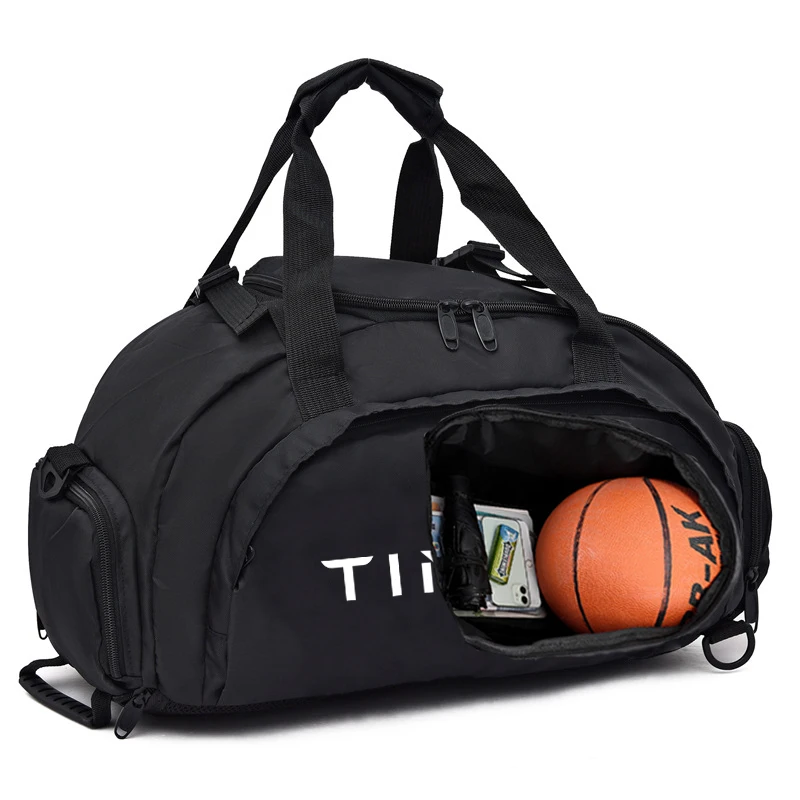
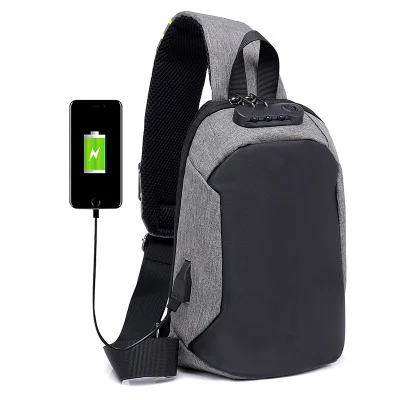
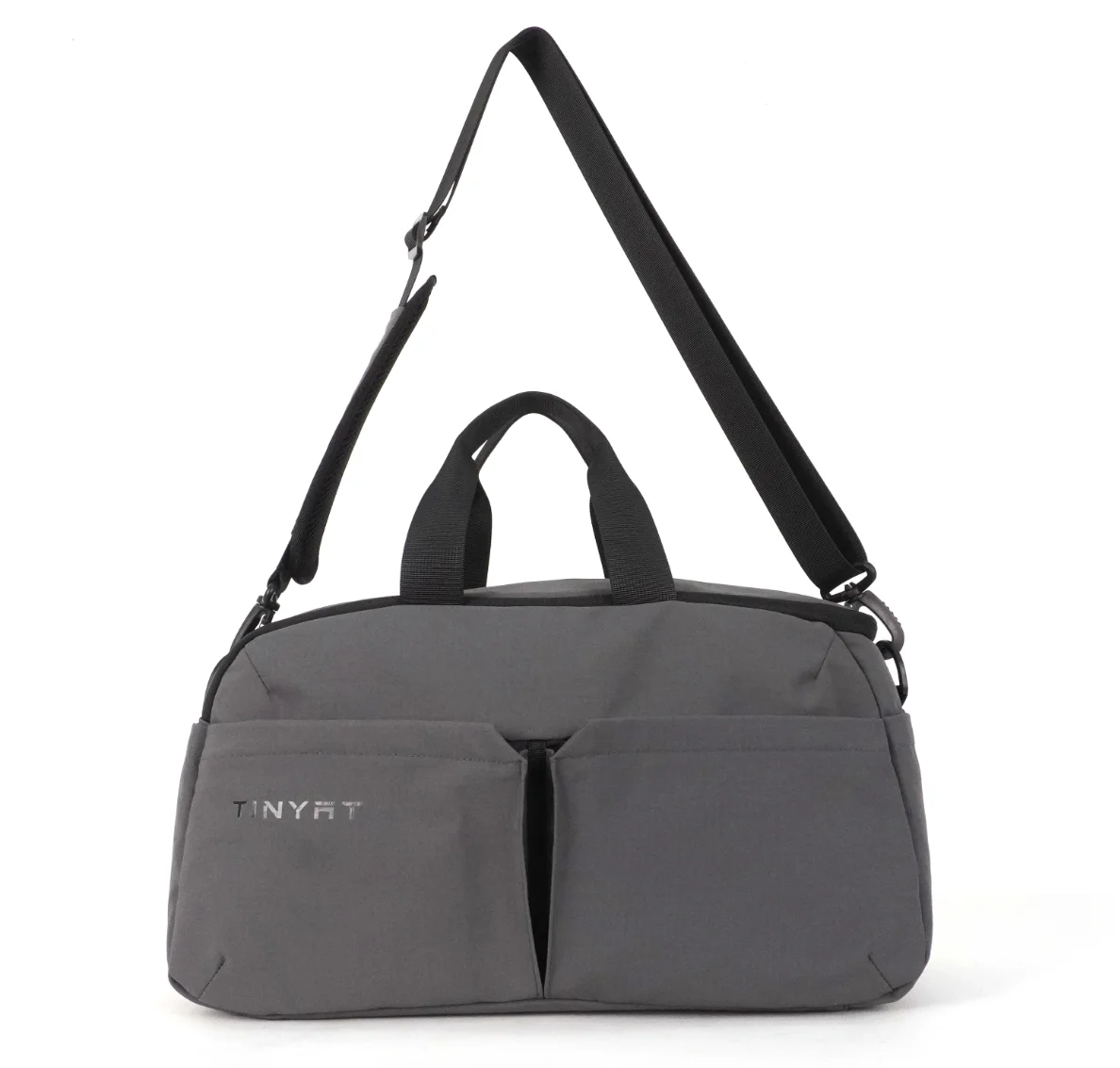
 ×
×
Even though I don't enjoy panicking about a stuck zipper while in a crowded airport security line with important people waiting for me, I do know that most individual delays at airport security checkpoints can be attributed to inefficient carry-on baggage. The right TSA-friendly laptop backpack can help reduce some of the anxiety associated with travelling for business.
Your time as a professional traveller is very much determined by the number of minutes you've travelled and your level of composure when travelling, so being able to use your laptop as a lay-flat business travel accessory can help improve your productivity by making it easier to quickly retrieve your laptop from your business travel bag before passing through the airport security checkpoint.
Purchasing TSA-friendly backpacks that offer a unique type of storage solution for your expensive laptops allows you to actually protect your electronics while you're still travelling through the airport. You also get to present yourself as being calm, relaxed, and prepared for your business meeting when you arrive at your final destination because of the amount of time you've saved.
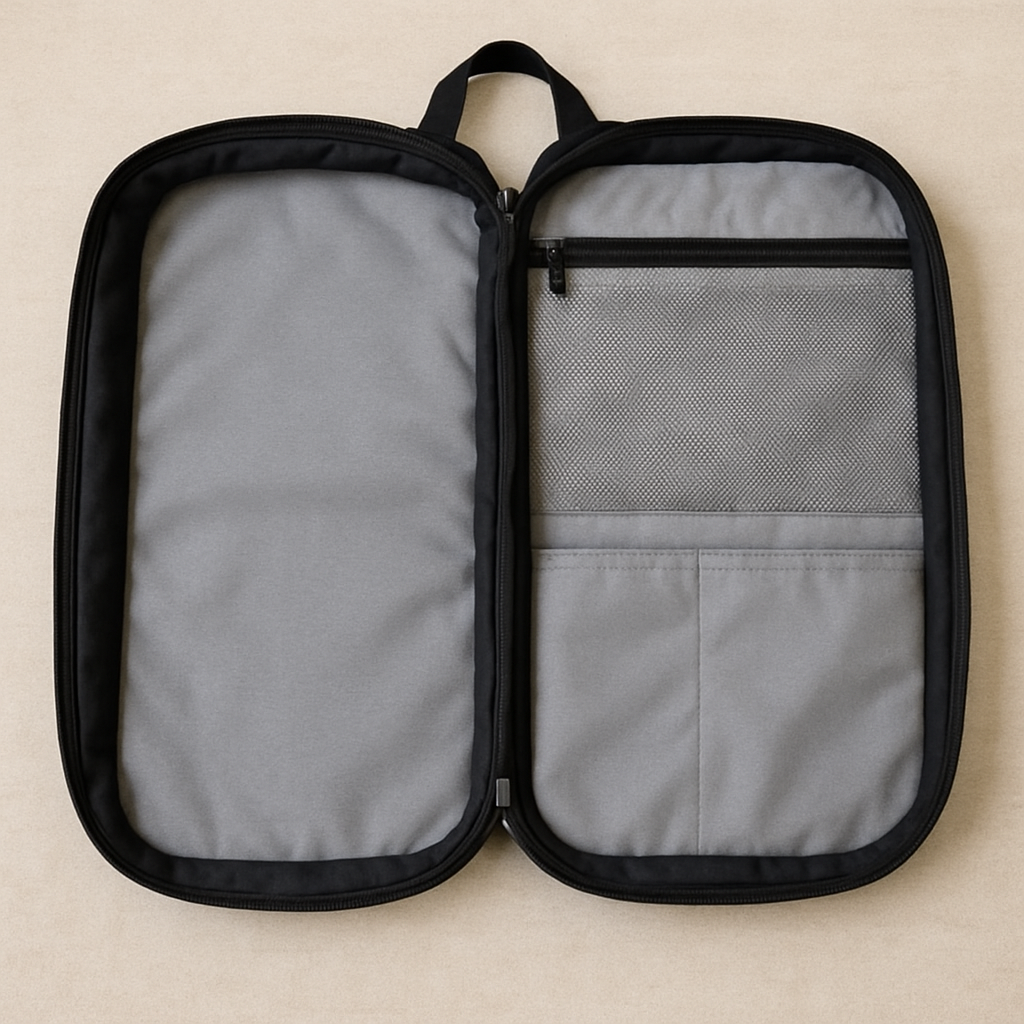
A lot of anxious travelers will stare at you or create unnecessary tension while you are wrestling a computer out of an overcrowded bag. To help ease that anxiety and make the world a better place, the TSA set up the Checkpoint Friendly Backpack Program. This program defines how a backpack must function in order for your laptop to remain in the bag during its passing through the checkpoint. If you are going to try and maintain your professional presence, you should consider getting a TSA approved backpack and use it for business travel.
What makes these backpacks so great for business travel? The design. The butterfly or split design of these backpacks allows you to open the bag by folding it open like a file folder, not top loading. To provide a clear path for the X-ray machine to read the contents of your bag, the backpack needs to meet three requirements:
Meeting all three of these requirements will ensure that the X-ray machine will see only a crystal-clear image of the laptop. If you have invested in a TSA approved backpack, you will simply unzip your bag, lay it flat and walk through the scanner; thus saving you valuable time in the morning. Learning how to navigate the security process is only the first part; the next is to make sure that your gear looks good with what you wear.
To look immaculate when entering the boardroom from a flight requires a quality bag. Traditional briefcases have a timeless style. However, it will be easy to see why ballistic nylon is much better than leather for the professional travel market by comparing ballistic nylon bags against their leather counterparts. Leather is heavy and will always scratch when placed into a small space like an airplane seat, while ballistic nylon was invented to protect WWII aircrew members from shrapnel and has an unbeatable ratio of strength vs weight. Therefore, a ballistic nylon bag will stand up to the abuse of constantly being handled by fellow passengers at an airport, but will also maintain its new, scuff-free appearance long after a leather bag has begun to show its age.
The durability of ballistic nylon is a function of denier - the measurement of the thickness of the yarn or fiber - the higher the denier the stronger the weave. By upgrading the fibre found in most polyester bags to 1680D ballistic nylon, you can always be assured that the shape of your bag will stay intact. A structured bag is very important for projecting a clean corporate image. With this rigidity, you can design sleek minimalist executive bags with concealed water bottle pockets. Never having to worry about your bag looking like a deflated or crumpled backpack when resting on a table during a board meeting will provide peace of mind.
Comfort during long runs through the airport terminal is directly related to the materials used to manufacture your bag. Providing ergonomic work bags to frequent travellers will help alleviate the extra weight added to their bag before packing a laptop by using lightweight materials. A well-defined structure on the exterior of a bag will assist in keeping the gravitational centre of the bag aligned with your spine so you do not have to worry about the jacket of your suit becoming wrinkled and bunched up while travelling. Once you establish a polished, protective outside, you can then turn your attention to protecting the inside.
Imagine tossing your bag onto a hard floor at an airport terminal with no fear of breaking your company-owned laptop; this is made possible by the existence of a competent “suspended” sleeve that not only uses foam to protect your equipment but also acts as a hammock within the bag, holding your computer suspended to the point that it never touches the ground of your backpack.
By adding a fold-flat, checkpoint friendly laptop sleeve (17 inches long), this design eliminates all the friction caused by having to remove your heavy workstation from a security checkpoint each time you pass through.
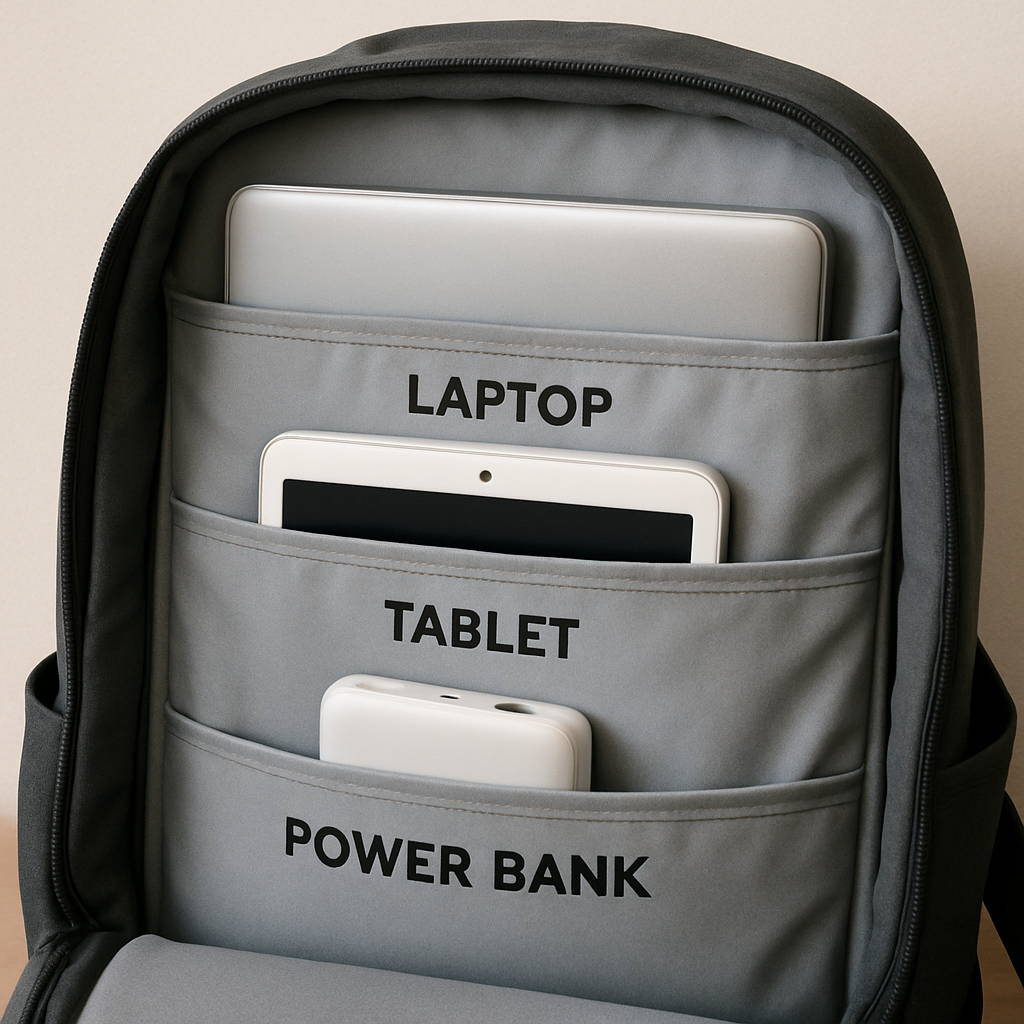
Beyond your main computer, you have multiple electronic devices that result in cables, accessories, and multiple sources of power becoming a massive tangle inside the bottom of your bag. A properly designed interior will allow for proper storage to allow each item to be stored in its proper garage; upgraded to a bag that has a separate padded compartment for a tablet and tech accessory will ensure that none of your secondary screens are damaged while also allowing you to have immediate access to charging cords prior to attending any customer meetings.
Digital security and access to power when in transit are equally important. You could easily become a victim of electronic skimming while waiting in line in a crowded airport, and all a skimmer would need to do is walk by you to steal your credit card number or passport data. You can easily combat this by ensuring your daily carry bag has a specific system of pockets designed for a road warrior:
While keeping your digital headquarters secure is only half the battle, the weight of client folders and heavy power bricks accumulate very quickly. Maintaining an effective weight management solution is essential to maintaining a good professional appearance and preventing poor posture.
When you walk into a boardroom wearing a rumpled suit, it will be harmful to your overall professionalism as someone in charge. To walk in and out of large technology with better grace, think of center-of-gravity ergonomics for proper postural alignment; keep the entire weight of the bag directly on your back and spine to maintain an upright position.
With hardshell vs softside business backpacks, good looks and solid integrity are equally essential. When a backpack is too small and is unable to sit securely on your back, it will hang down and pull away from your spine causing a mess while in business attire when fully loaded with supplies.
Your dress shirt should not show the physical effort of running to catch your next flight; a high-quality product helps with this by creating airchannelling through the backing of the spacers against your spine. Also, the use of breathable mesh panels across the back of your bag will help to eliminate the heat trapped inside of the bag during the summer. As a result, before being greeted by your clients you will be able to transition from travelling at terminal speed to being comfortable and not worrying about being cool.
The easiest way to manage the weight of large loads is by letting the suitcase do the work for you. Most professional commuting packs have luggage straps, allowing their use to attach to a suitcase's trolley sleeve and sit directly atop the suitcase's handle, thus allowing total use of the body to transport your items aboard the bag as efficiently as possible.
Understanding how to pack for a 3-day business trip is key to make your commute less stressful and more streamlined. Dual Zone Packing is the method of packing in such a way that separates your personal items from your professional items, thus assisting with the process of security checks by allowing you to only have to open your tech section for the security check at the gate and lay your computer and paperwork on the X-ray conveyor belt without having to remove your clothes from your bag.
A professional size backpack (25-30 liters) will accommodate the Dual Zone Packing method, while also meeting airline overhead compartment requirements, so you won't have to gate check your expensive electronics. To be sure you've used the entire limited space available in a small bag, use this packing list for a 3-day trip:
Protecting your organized items also requires that you secure your items with features that will help prevent theft. For example, all lockable zippers and RFID-blocking pockets are necessary for international business travelers who are traveling through busy terminals.
Giving your luggage an upgrade will turn an airport's stressful bottleneck into a smooth passing through security. A major consideration for selecting a messenger or backpack for your office wardrobe is how often you travel — if you travel often, you will benefit from the ergonomic support of a backpack; however, if you're an infrequent traveler, you only need a traditional messenger bag. Either way, you're going to make a long-term investment in your professional appearance.
To achieve a lasting, scratch-free finish on your purchase, follow this quality checklist when considering any potential purchase:
The ultimate goal of Finding the Best TSA-Friendly Laptop Travel Laptop Backpacks for Business Professionals is to get back the time you are wasting when going through airport security. By having a purpose-built travel backpack, you will eliminate the delays at the checkpoint, and be able to present yourself as a polished professional at your destination. Before travelling again, think about upgrading your luggage so that travelling will be an effortless event.
 Hot News


 EN
EN